Select Language
English
- Español
- Italiano
- Nederlands
- Nederlands
- Deutsch
- Deutsch
- Francais
- English
- English
- English
- English
- English
Courtesy of Tesla, Inc.
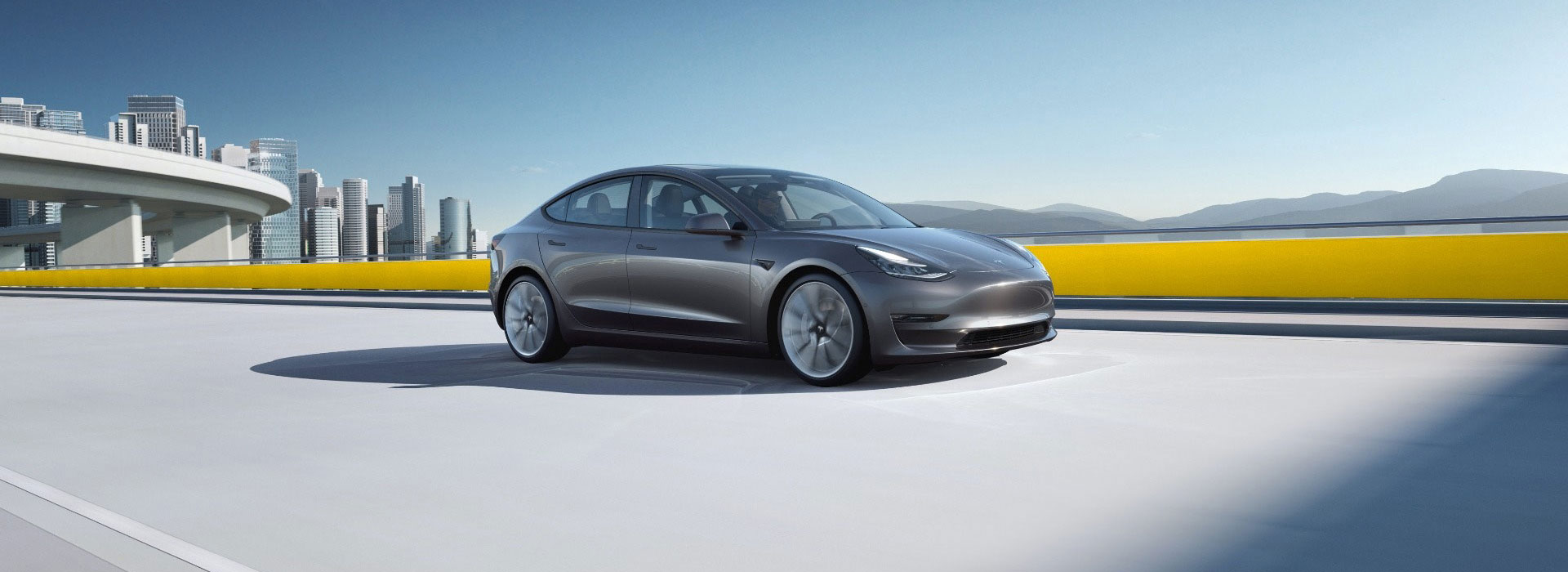

At Hertz, we’re proud to continue building on our heritage of innovation and industry leadership by offering broad selection of EV fleets. We’re committed to helping transform the future of mobility by making EV hire fast, seamless and more accessible than ever before.
Your choice to go electric supports important global efforts to transition to a low-carbon economy – affording all of us a greener, more sustainable tomorrow.
We hope you enjoy your EV hire car experience – and look forward to seeing you again soon!
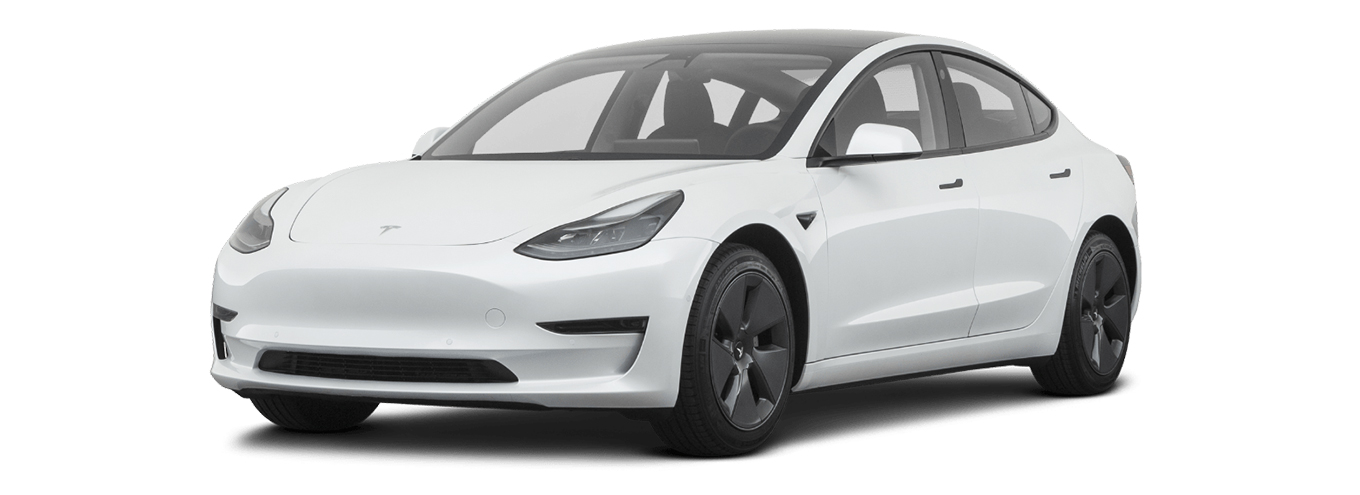
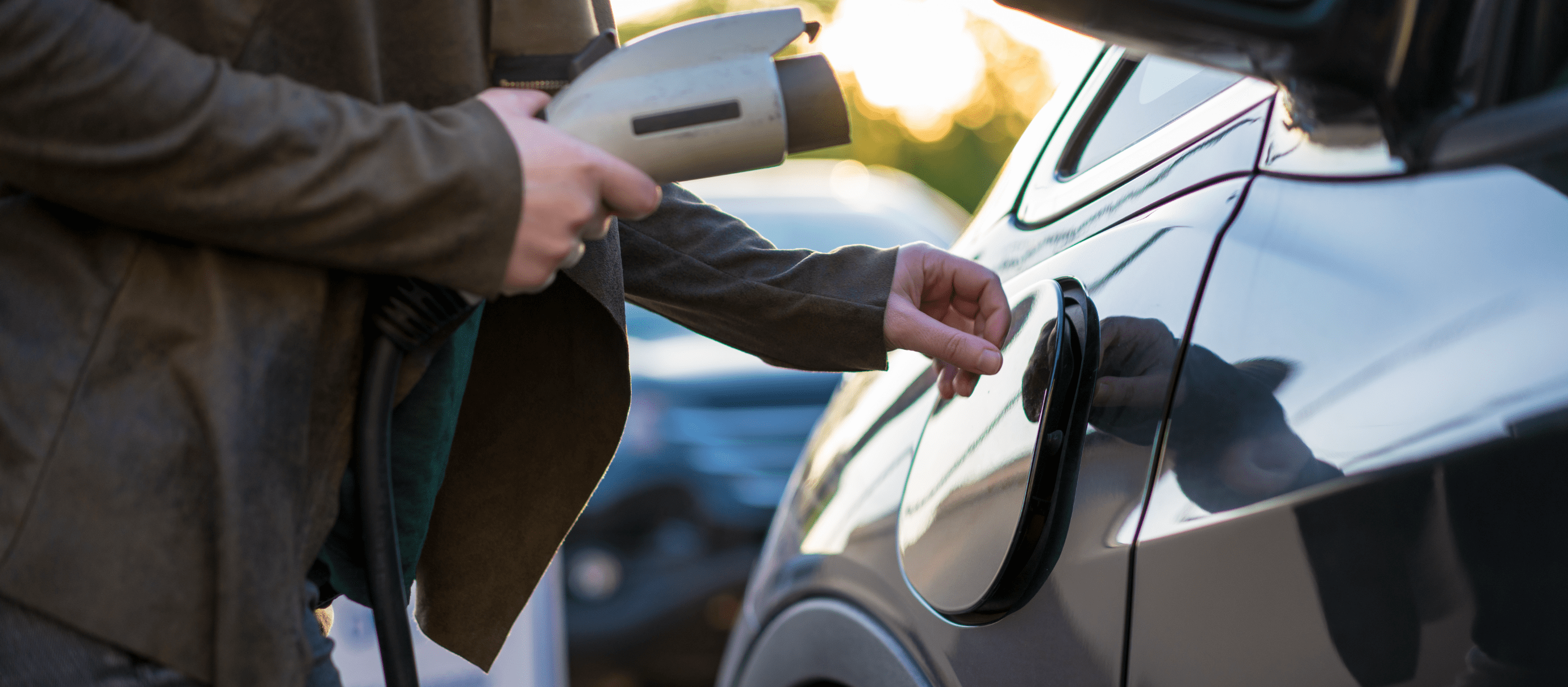
To charge, remove the charging station connector from its dock, open the car’s charge port and insert the connector into the charge port. When charging is complete, press the connector button until the charge port logo turns white, then remove the connector and return it to its dock.
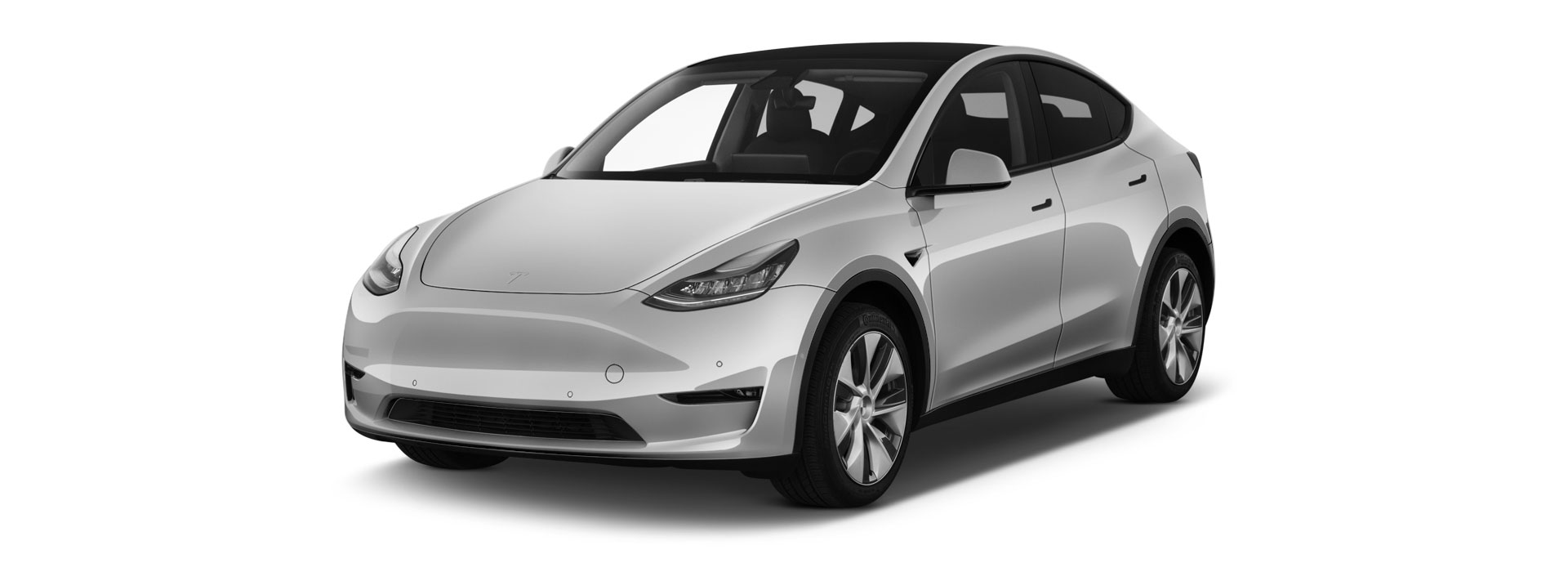
To charge, remove the charging station connector from its dock, open the car’s charge port and insert the connector into the charge port. When charging is complete, press the connector button until the charge port logo turns white, then remove the connector and return it to its dock.
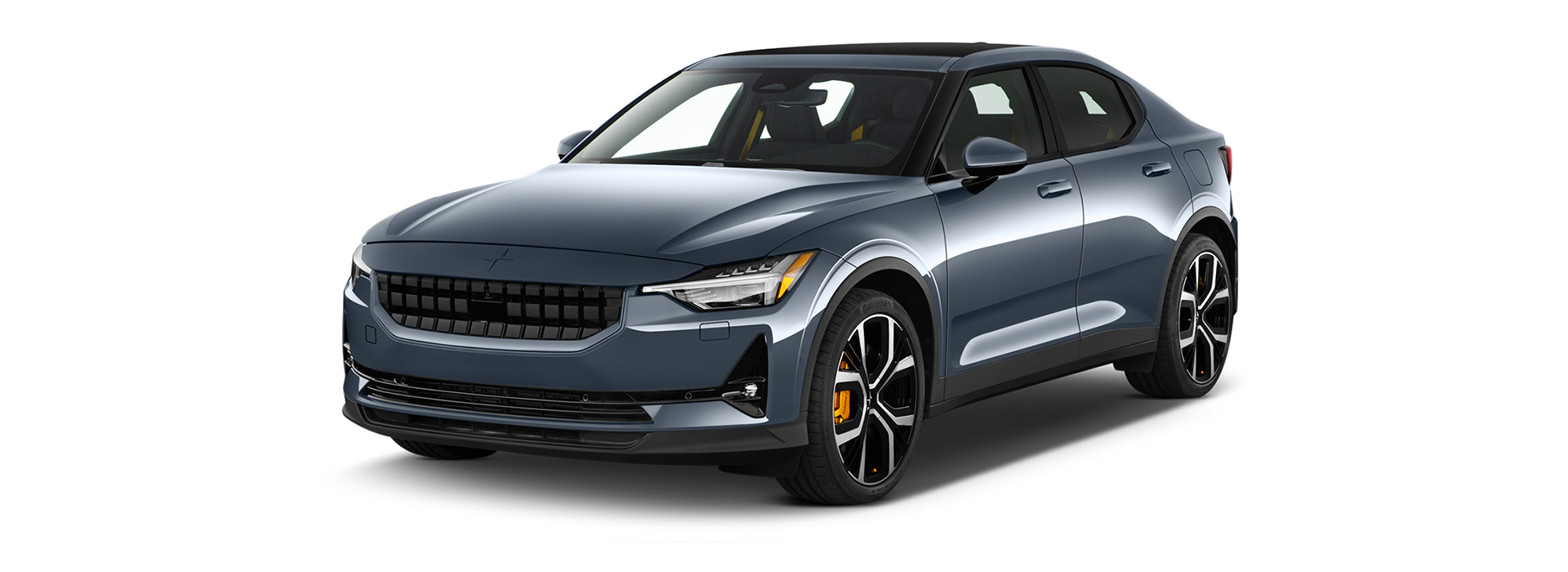
Meet the Polestar 2, the first all-electric four-door hatchback from Polestar, manufacturer of premium performance electric cars. With a range of up to 336 miles* (WLTP), this advanced vehicle sets a new standard for EV power and performance.
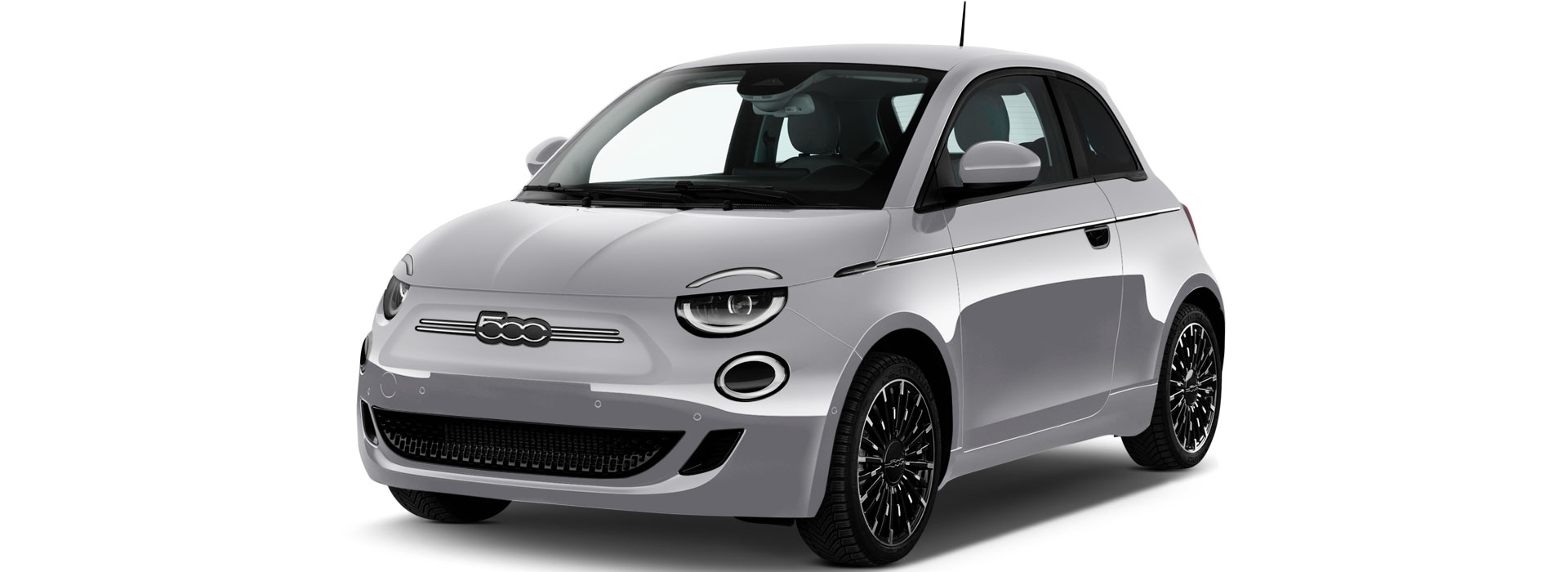
To charge up the 500e, simply plug in the charging cable to the charging inlet and lock the car to secure the cable and start the charge. When you want to unplug, just unlock the 500e and remove the cable.
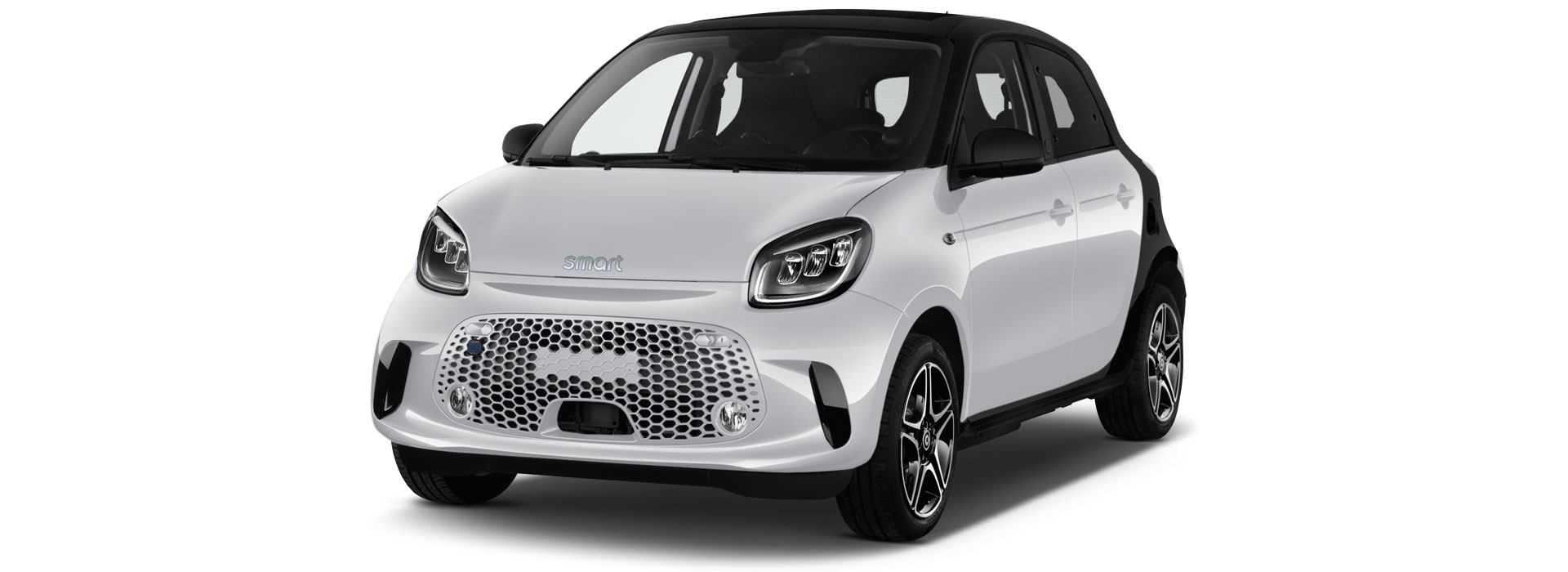
To start charging your Smart Forfour hire car, attach the charging cable to the inlet and lock the vehicle. When a full charge is reached, or you want to continue your journey, simply unlock the car, remove the cable and close the charging flap.
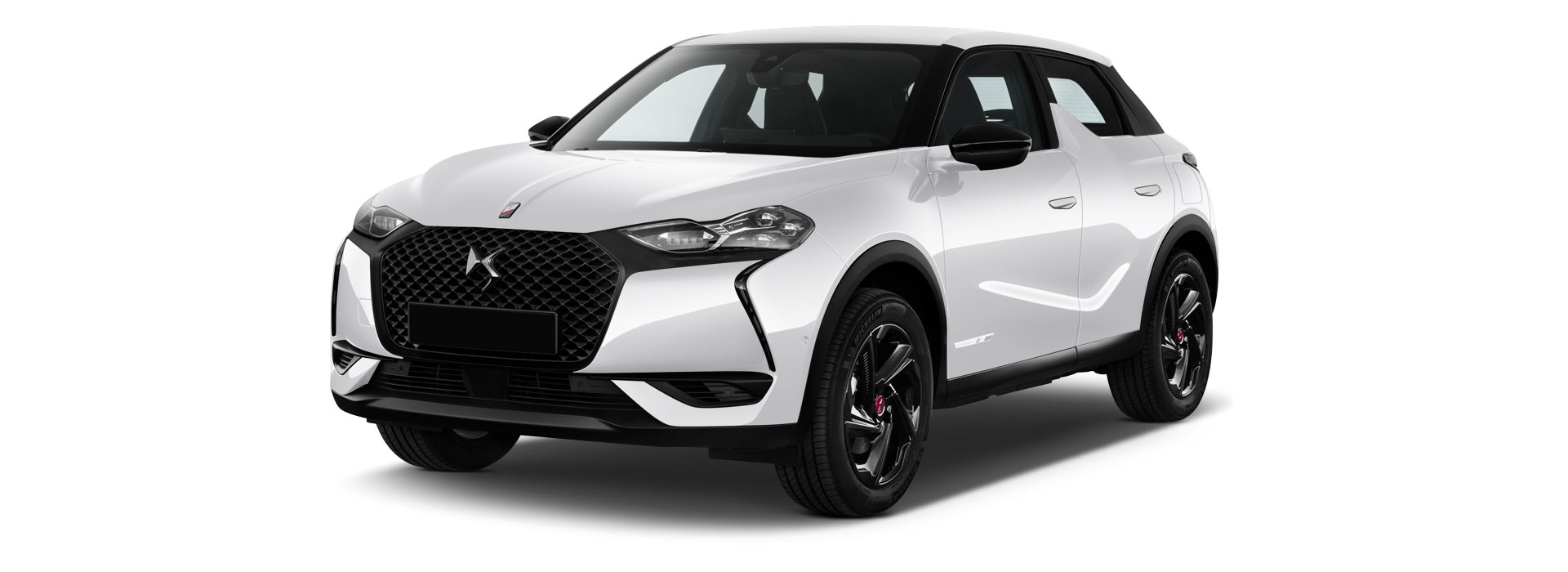
Recharge the E-Tense in just a few simple steps. First, plug in the charging cable and lock the vehicle to start the charge. Once finished, just unlock the car and you can safely remove the cable from the inlet and restart your travels.
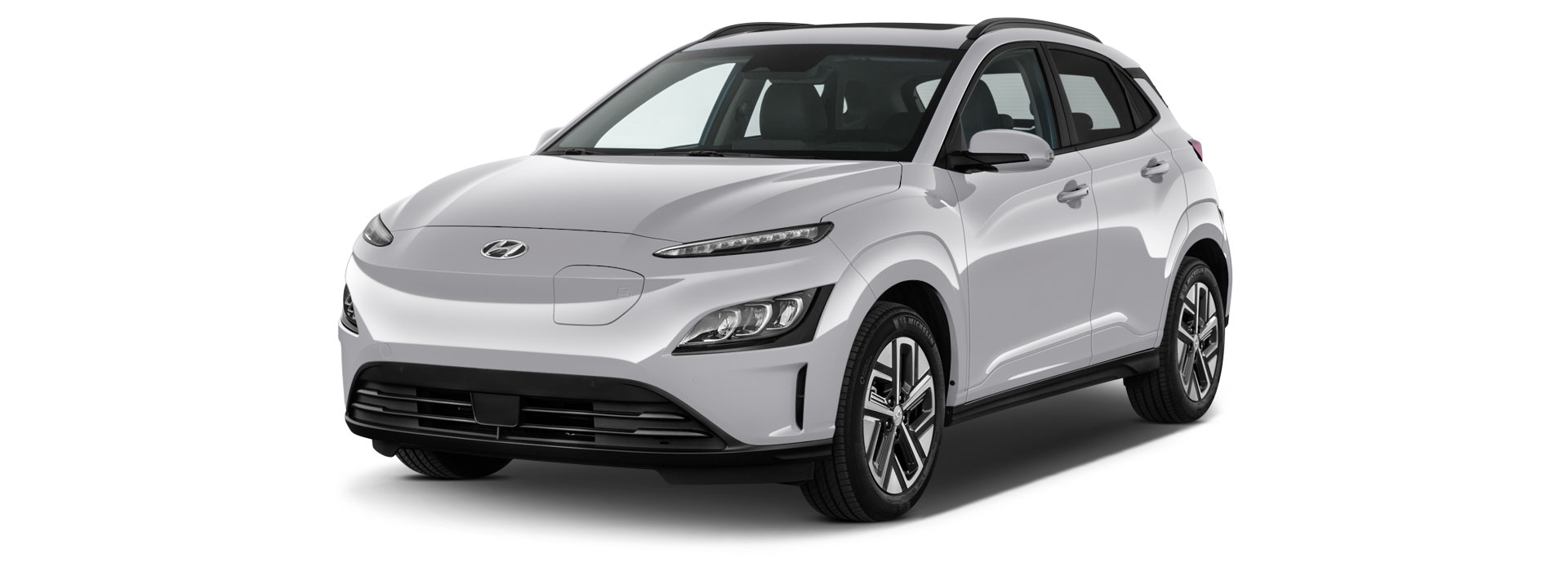
Charging the Hyundai KONA is easy. Simply attach the cable to the car’s charging inlet and lock the car. This will then lock the cable in to begin charging. Once your charge is complete, all you need to do is unlock the car to remove the cable.
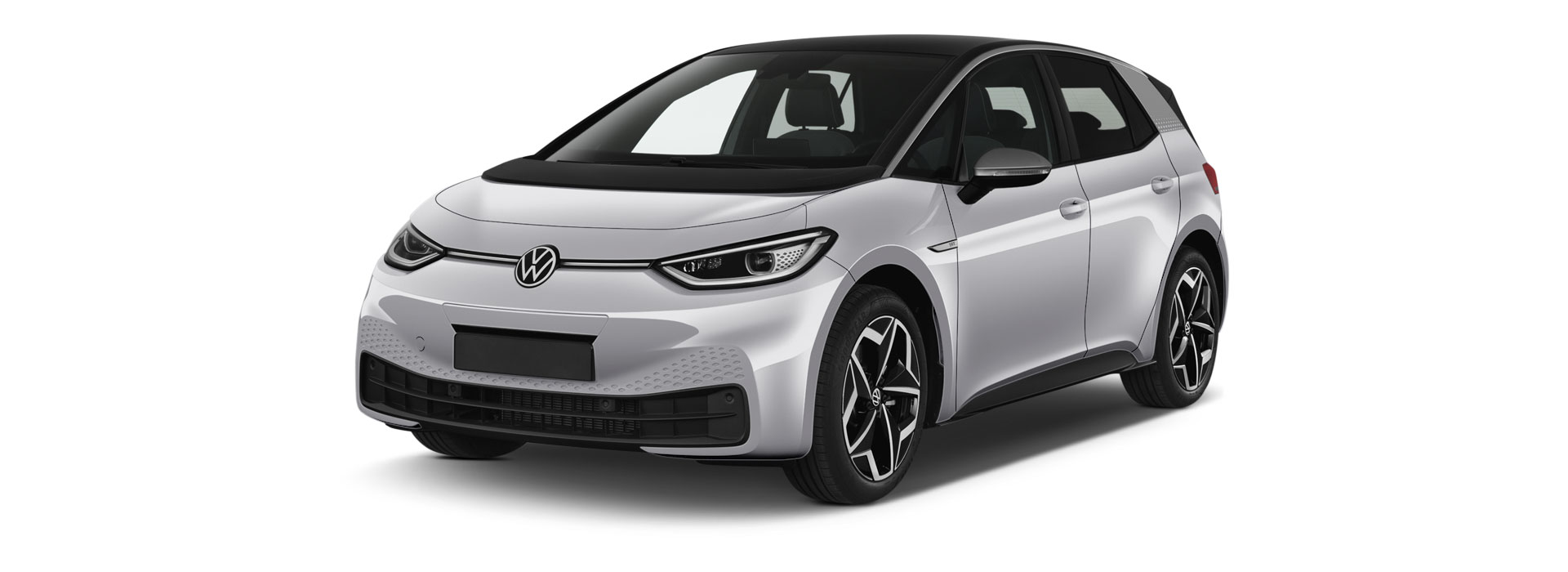
Open the charging flap and attach the charging cable to start recharging a VW ID.3. Lock the car to secure it and wait for it to recharge. Once finished, all you need to do is unlock the ID.3 and remove the cable, then you can continue your trip.
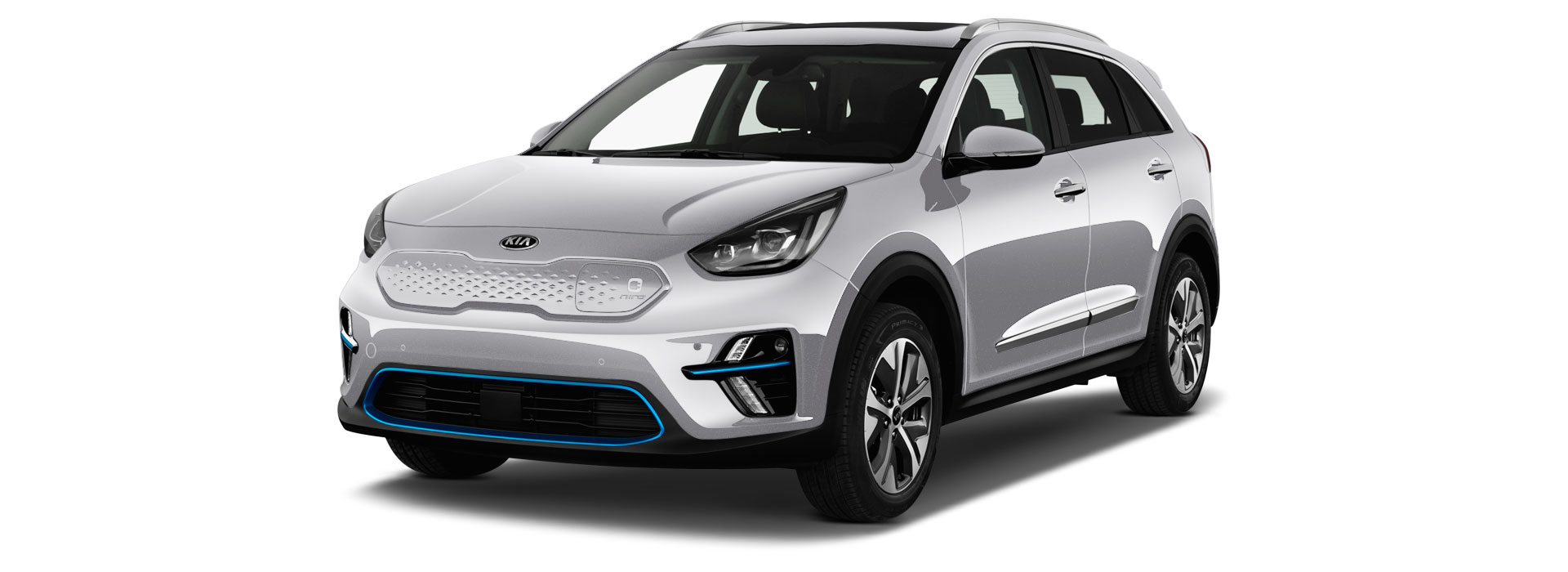
It’s simple to charge the Kia e-Niro. Insert the charging cable to the car’s charging inlet, lock the car to secure the cable in and you’re ready to start charging. Once finished, just unlock the e-Niro and you can remove the cable, ready to continue your journey.
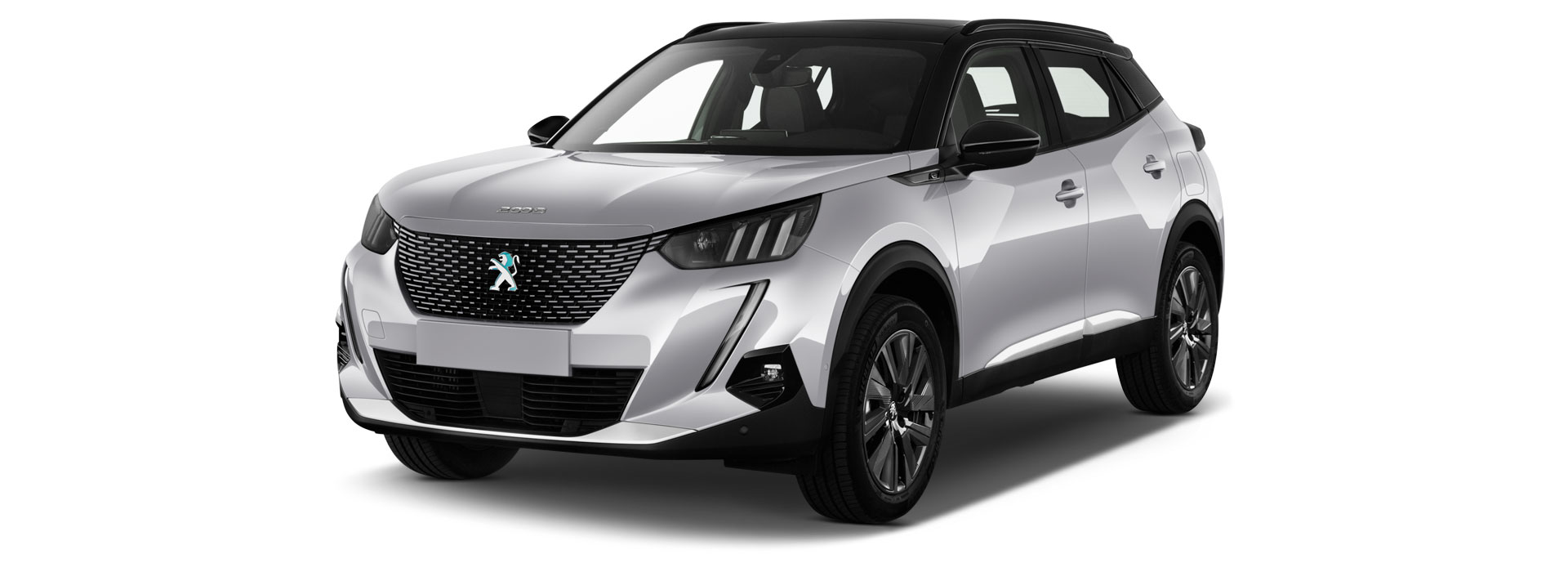
Start charging the e-2008 by attaching the cable and locking the vehicle. This will secure the cable in, ready to recharge. When your charge is complete, just unlock the car and you can remove the cable to continue your trip.
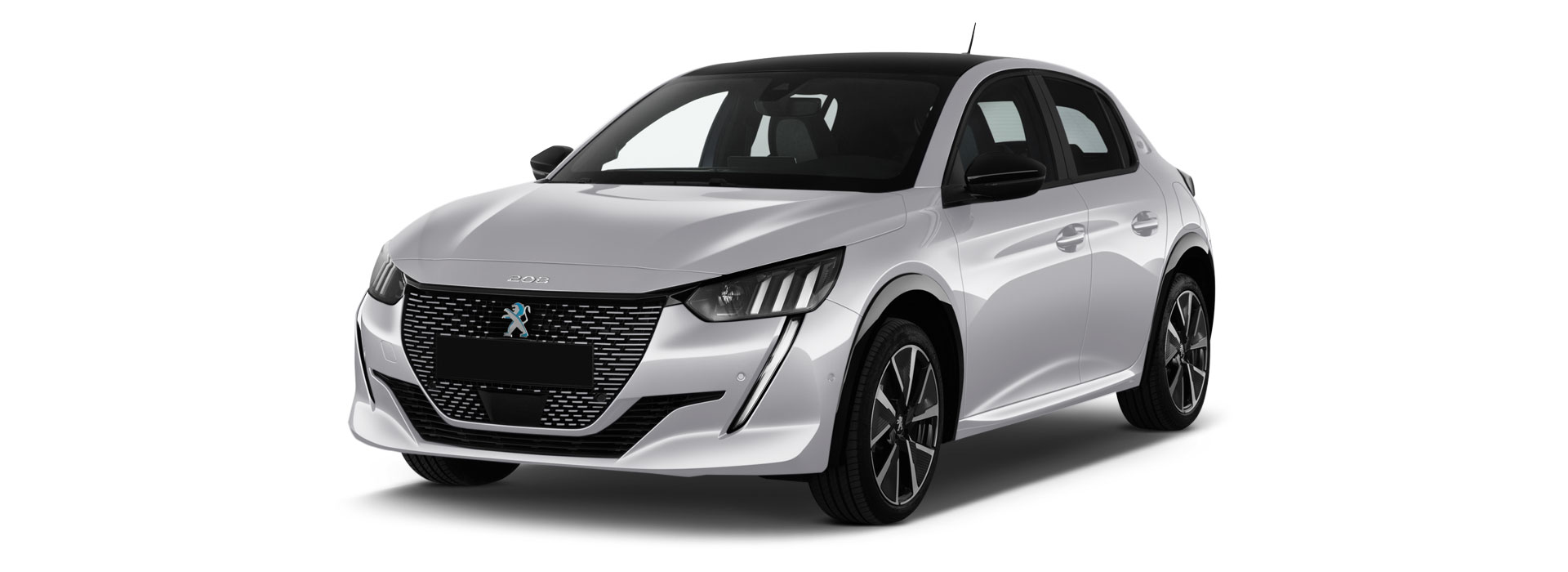
Charging a Peugeot e-208 is simple. Just attach the cable and lock the car to secure it, ready for charging. When you want to remove it, unlock the car and you can detach the cable, ready to carry on your journey.
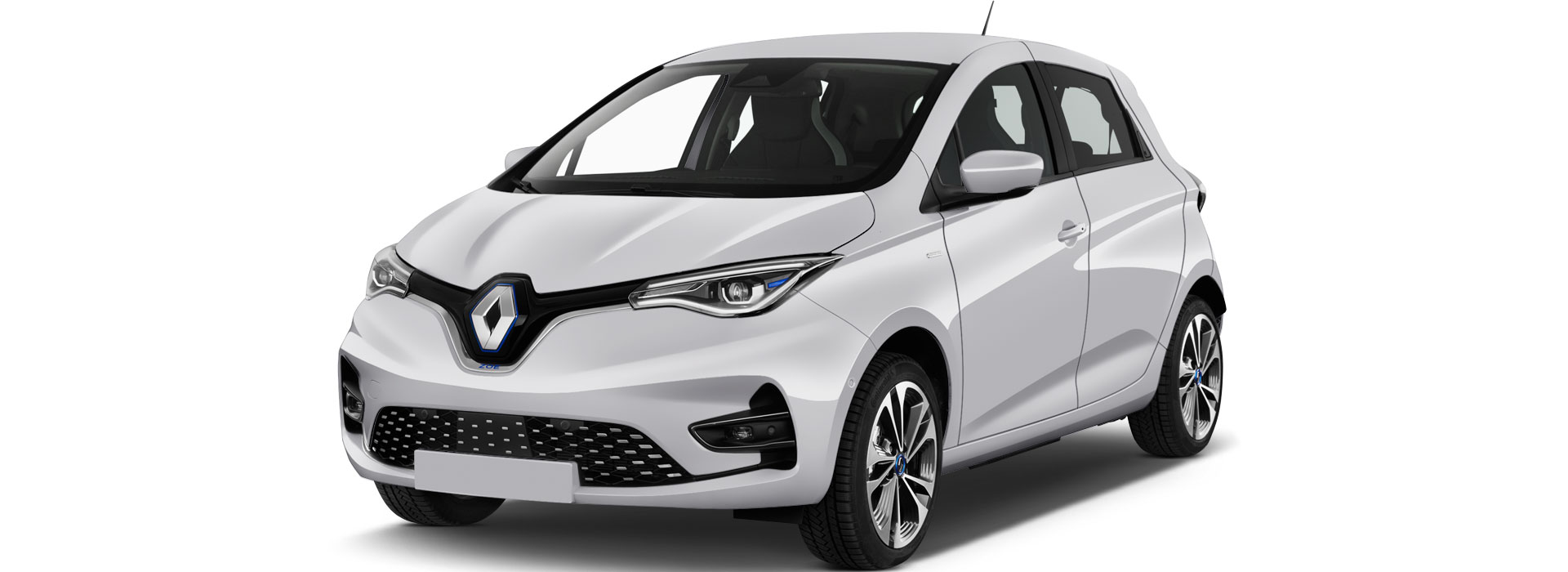
When the Zoe needs recharging, it’s a simple process. Find the charging flap at the front of the car, where the Renault badge is, open it and attach the charging cable. Lock the car to secure it. Then, when charging has completed, unlock the Zoe and detach the cable, closing the flap.
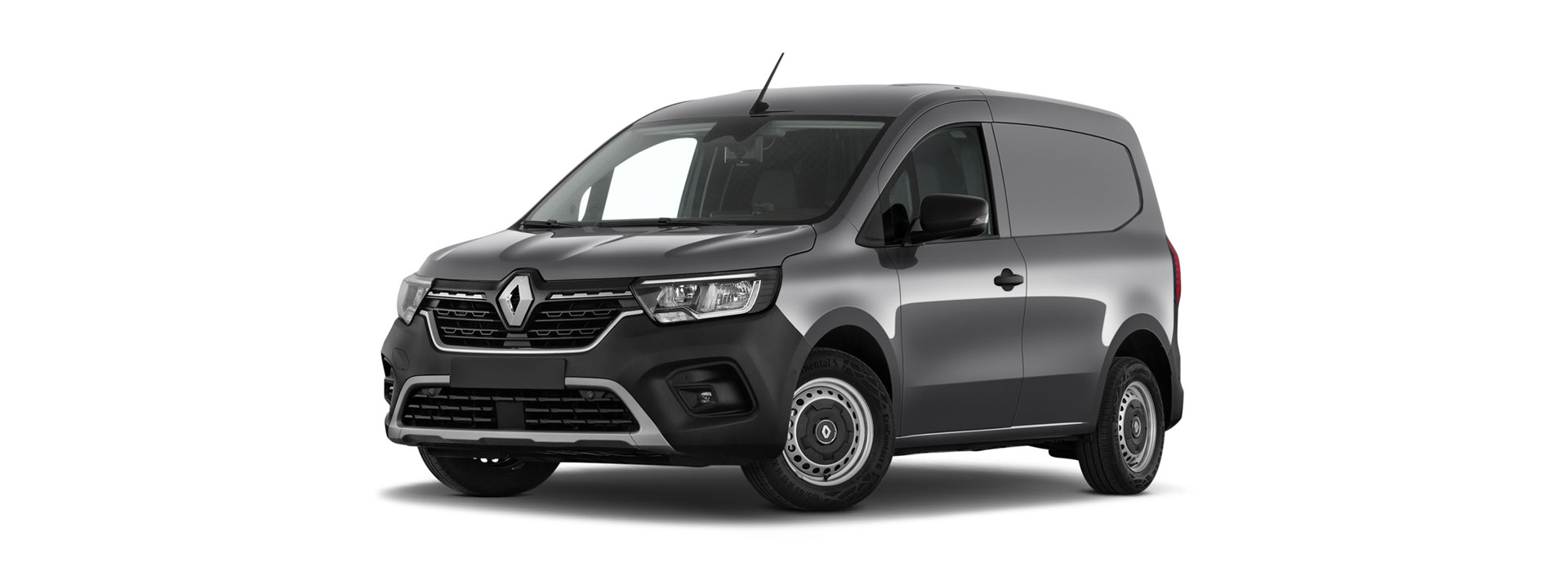
Ready to recharge? Head to the front of the E-Tech and open the charging flap, where the Renault badge is located. Attach the charging cable and lock the van to secure it. When charging has finished, simply unlock the E-Tech and detach the cable, then close the flap.
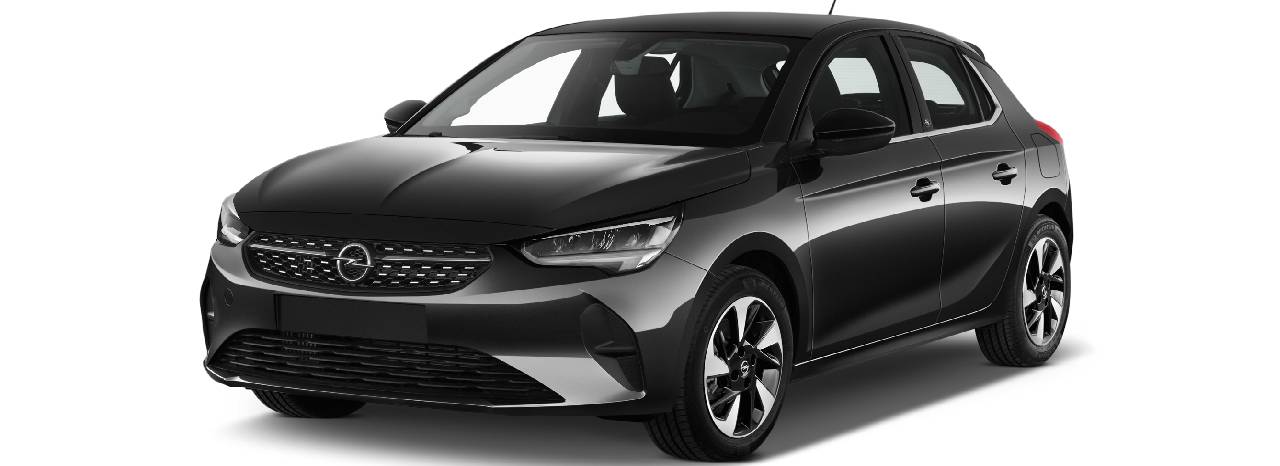
Hire a Vauxhall Corsa-e and discover the joys of the fully electric version of one of Britain’s most popular cars. Refreshingly simple yet packed with features, the Corsa Electric is fun to drive, stylish and environmentally friendly.
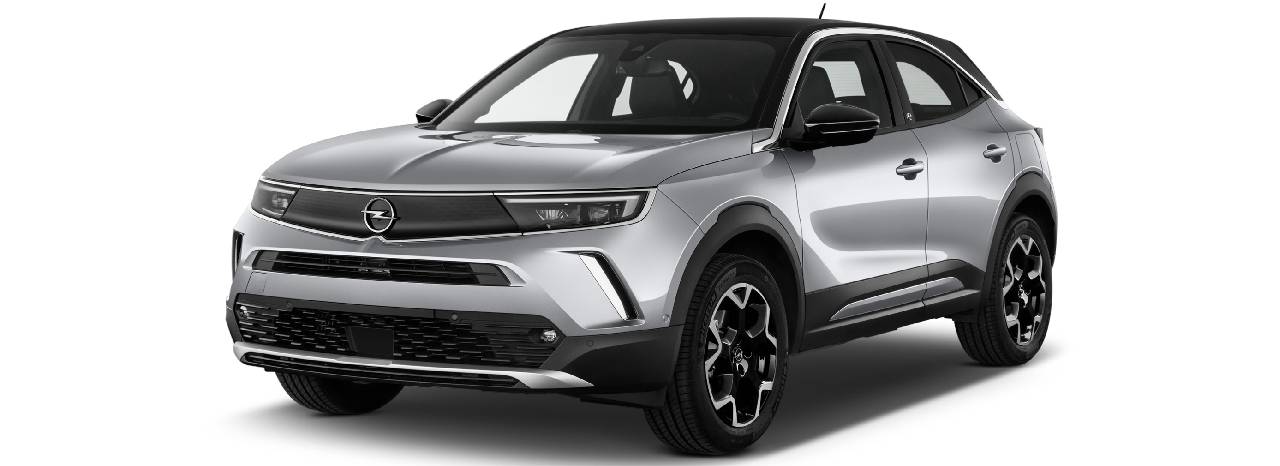
Hire a Vauxhall Mokka-e to experience the renowned reliability of one of Britain’s favourite car manufacturers in an all-new, all-electric version.
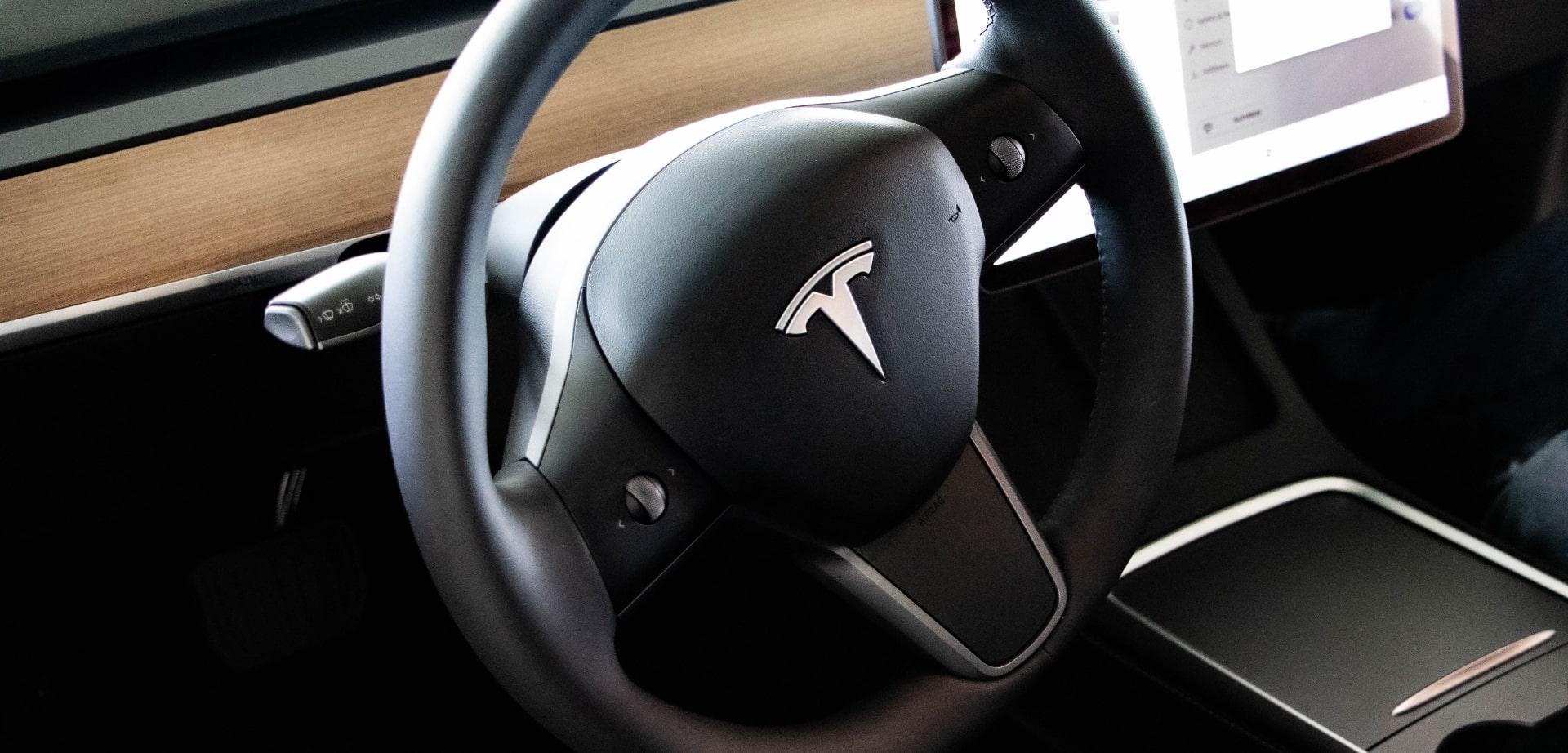
KEY DRIVING TIPS
While driving an EV is a bit different than operating a petrol or diesel-powered car, the driving principles and road awareness required remain the same. Due to their intuitive design and cutting-edge technology, EVs require only a brief, simple learning curve. We’ve highlighted a few key tips to set you up for success.
1) Familiarise yourself with the car. It is important to know basic functionalities of your hire car before leaving the hire location, including how to:
2) Get comfortable. Adjust your seat, mirrors, temperature and fan speed. For hands-free communication, connect your smart phone via Bluetooth prior to driving.
3) Know your way. Use the touchscreen or voice command technology to navigate to your destination and charging station locations along your route.
MAINTAIN BATTERY LIFE
Keeping your electric vehicle battery charged is vital to keeping it operating. When you rent with Hertz your rate includes fair use of over 250,000 Shell Recharge stations across Europe. Your rate also includes fair use of more than 6,000 Tesla Supercharger stations across the continent.
To locate your nearest charging station, simply visit the Shell Recharge website or download the app.
You can also select the lightning bolt on the Tesla touchscreen or use voice command to ask the car’s navigation. Tesla Supercharger stations – the fastest charging option – will automatically appear on the navigation screen.
Non-Tesla stations may require Type 2 Cable for household outlets, which is included with each Tesla hire car. Before leaving the car park, locate your Type 2 Cable and all its contents. If missing, inform a member of our team prior to leaving.
Once you arrive at the charging station, complete the following steps:
For further information on charging the Tesla, use the touchscreen to complete the following navigation: Application Launcher → Entertainment → Theater → Tesla Tutorials, or visit our website by scanning the QR code with your smartphone.
Simply open the car’s charge port and insert the connector. Some vehicles may require locking the car to start the charge. When you want to unplug, just unlock your vehicle and remove the cable.
Click here to select your EV make and model
We recommend charging to 80%.
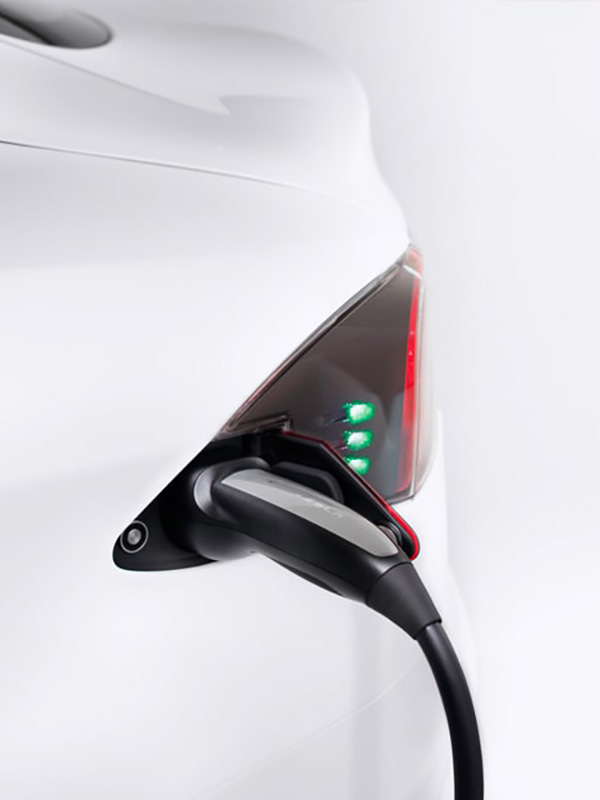
Courtesy of Tesla, Inc.

1
Download the Shell Recharge App, but don’tofficially register.

2
Search for charging points.

3
Start charging using your Shell Recharge key fob.
Electric Fleet